
Inline connection
Position it between charger and device
Use a compatible USB-C cable and power source, then keep each connection fully seated and the adapter uncovered during charging.


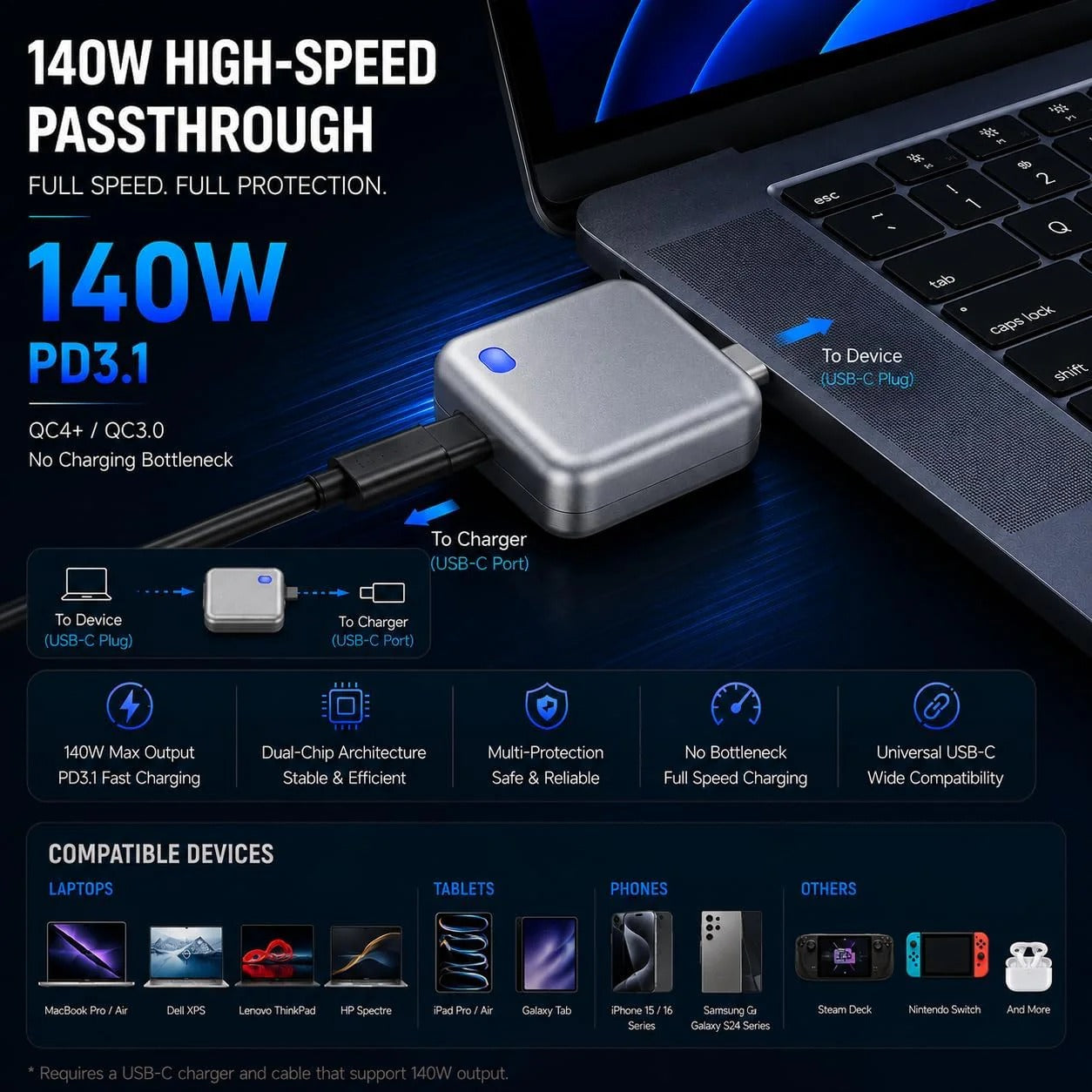



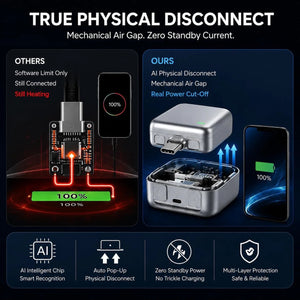

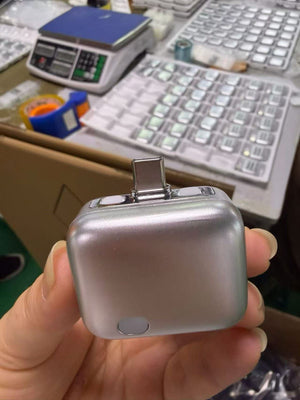

A compact silver inline USB-C adapter presented with physical-disconnect controls and up to 140W PD 3.1 passthrough support for compatible setups.
Important Unboxing Notice: Please record a continuous video before opening parcel and keep shipping label until confirmed. In case of any defect or transit issue, this ensures instant, dispute-free doorstep replacement via WhatsApp!

A closer look
See the key features in context, then review use, specifications and care before ordering.

Inline connection
Use a compatible USB-C cable and power source, then keep each connection fully seated and the adapter uncovered during charging.

Compact controls
Inspect the connector, top controls and front button before use, and stop immediately if any part feels damaged, loose or unusually hot.
How to use it
Confirm that your device, charger and cable use compatible USB-C charging before connection.
Place PopGuard inline between the power source and the device as shown in the supplied directions.
Use only the controls and indicators described in the product instructions.
Disconnect immediately if the adapter, cable or device becomes unusually hot, loose or damaged.
Customers frequently pair PopGuard 140W USB-C Charging Disconnector with these companion essentials—backed by 100% Free Delivery across Pakistan.

A compact 25W USB-C PD wall adapter that fast-charges Samsung Galaxy and other USB-C Android phones at full spee...

A compact silver inline USB-C adapter presented with physical-disconnect controls and up to 140W PD 3.1 passthro...

True wireless Bluetooth earbuds with a pocket charging case — in-ear fit for calls, music and workouts, pairing ...
Good to know
Charging performance and disconnect behaviour depend on the connected device, charger, cable and setup. Use dry hands, keep vents and ports clear, do not cover the adapter, avoid damaged accessories and never exceed the ratings in the supplied instructions.
Review our shipping policy and return and refund policy. Available delivery options and charges are shown at checkout before you place your order.
Complete the choice
 25W Fast Charger – USB-C PD Wall Adapter for Samsung Galaxy & Android Phones (Type-C)Rs.999.00 PKR
 Wireless Earbuds Pro 3 – True Wireless Bluetooth Earphones with Charging Case for Calling, Music & WorkoutsRs.1,999.00 PKR
 Motorcycle Phone Holder – Waterproof Enclosed Bike Mobile Mount with 360° Rotation & Touch WindowRs.1,499.00 PKR
 Mini Rechargeable Fan – 5-in-1 Handheld, Neck & Desk Fan with LED Battery Display, USB-C ChargingRs.1,450.00 PKR